
Common Mistakes in Snow Photography (and How to Fix Them)
Blown highlights, flat light, fogged glass and dying batteries ruin more winter frames than bad composition. Here's how each one happens and exactly how to fix it.
There is a particular disappointment that comes with winter photography. You are standing knee-deep in fresh snow, the light is doing something remarkable over the ridge, you take twenty careful frames, and back at the laptop the whole set is grey mush with a few glowing white blobs where the snow used to be. Nothing was wrong with the scene. The camera did exactly what it was told, and it was told nothing. Snow is the most reflective thing most of us will ever photograph, and it punishes every automatic setting you own.
The good news is that winter fails in predictable ways. Four problems account for nearly every ruined snow frame, and each one has a fix you can apply on the mountain, in the cold, with gloves on.
Blown Highlights: Why Your Meter Underexposes Snow
Your camera's meter is built around an assumption: that the world averages out to a middle tone. Point it at a snowfield and it sees all that brightness, decides the scene is too light, and pulls the exposure down. The snow comes out grey and slightly dirty-looking. That is failure number one, and almost everyone responds to it by adding exposure.
Then the opposite happens. You dial in more light until the snow looks white on the back screen, and now the brightest areas have clipped to pure white. There is no detail in them, and no amount of editing will bring it back, because the sensor recorded nothing there. Snow in sun sits right at the edge of what your camera can hold, so the margin between "grey and dull" and "burned out" is razor thin.
A sequence that works
- Shoot RAW. It gives you roughly a stop of recovery in the highlights and far more flexibility in the shadows than a JPEG.
- Turn on the highlight warning. Those blinking patches on the preview are the most honest thing your camera will tell you outdoors.
- Start at plus one stop of exposure compensation and adjust from there. In bright, sunlit snow you may need a full stop or more to get white snow rather than grey. In flat overcast light you will need less.
- Check the histogram, not the screen. Outdoors, in the cold, with the screen brightness cranked up, everything looks fine. On the histogram, the right-hand edge should be close to the wall but not pressed against it and piling up.
- When in doubt, protect the highlights. Slightly dark snow can be lifted in editing. White snow with no data cannot be rescued.
If your camera has spot metering, a useful trick is to meter off a patch of sunlit snow and add around a stop and a half to two stops to what the meter suggests. It is not exact, but it gets you into the right neighbourhood fast, and the histogram does the rest.
Flat Light: The Problem Is Separation, Not Brightness
Overcast winter days are not bad light. They are undifferentiated light. White sky above, white ground below, and no shadow anywhere to tell a viewer where one thing ends and another begins. Frames taken in that light look like a photograph of nothing, even when the landscape itself was beautiful.
The fix is to stop photographing the whole scene and start photographing what separates. Get close to a fence line, a stand of dark conifers, a rock edge, a set of ski tracks cutting across the frame. Anything with a different tone gives the eye something to hold on to. A longer lens helps enormously here: it compresses the distance between the dark and pale elements and stacks them into layers.
You can also remove the sky entirely. Point the camera down, fill the frame with texture, and let the flat light work for you, because soft light is genuinely wonderful for close-ups of snow crystals, frost on branches and portraits in the cold. Alternatively, wait for the blue hour, when the snow picks up the colour of the sky and the whole scene gains depth without a single hard shadow. And if the frame still feels lifeless, convert it to black and white. Flat light plus strong shapes is a classic combination for a reason.
Fogged Lenses and Cloudy Viewfinders
Condensation is simple physics. Cold glass meeting warm, moist air fogs instantly, and it does not care that you have been looking forward to this shot all week. The usual culprits: bringing a frozen camera into a warm car or cabin, breathing across the rear element while looking through the viewfinder, and a warm cheek or hand resting against the body.
Prevention is far easier than the cure:
- Seal the camera before you go inside. A large zip bag or a dry bag works. Let it warm up for half an hour before opening it, so the condensation forms on the bag instead of on your glass.
- Keep the lens hood on. It shields the front element from your breath, from spindrift and from stray flakes drifting onto the glass.
- Do not wipe a fogged lens repeatedly. You will smear it and make things worse. Let it equalise, then use a clean microfibre.
- Breathe away from the camera. Sounds trivial. It is one of the most common reasons for a soft frame at the end of a cold session.
Snow landing on the front element is the other half of this problem. A single melting flake in the corner of the frame will soften that whole region, and you often will not spot it until you are back at home. Check the glass before every burst. It takes three seconds.
Cold Batteries and Sluggish Everything Else
Battery capacity drops in low temperatures. A cell that shows full at the car park can show empty after an hour on the summit, then behave normally again once it warms up. The charge was never gone; the cold simply slowed the chemistry.
Carry spares in an inside pocket, close to your body, and rotate them: one in the camera, one warming. On long winter days, this routine alone will roughly double your shooting time. Do not charge a battery while it is still cold, and give cold gear time to come up to room temperature before you plug anything in. If you use hand warmers, keep them from direct contact with the cell, and never leave a camera on a tripod overnight in serious cold and expect it to wake up cheerfully.
Expect other small sluggishness too. Zoom rings stiffen, LCD refresh slows, and focus can hunt in low contrast. Set the camera up before you take your gloves off, and use the controls with a deliberate hand rather than fumbling at them in the wind.
The Small Habits That Save a Shoot
Most of what separates a frustrating winter session from a good one is routine, not equipment. Check the front element before every burst. Watch your own footprints in the foreground of a wide shot. When you set a tripod in deep snow, pack the legs in and give it a moment, because it will settle during a long exposure. Carry a dry cloth in an inside pocket, where it stays soft, rather than in an outer pocket where it freezes stiff.
And take one frame, then look at the histogram, then take the photograph you actually wanted. The pause costs nothing and saves the day more often than any piece of gear.
Winter gives you short windows of good light and long stretches of difficult conditions, so it rewards preparation more than any other season. Get the exposure habits automatic, keep the glass clean and dry, keep the batteries warm, and stop fighting flat light by trying to make it dramatic. Work with what the morning gives you. Some of the best snow photographs ever made came out of weather nobody else bothered to shoot in.
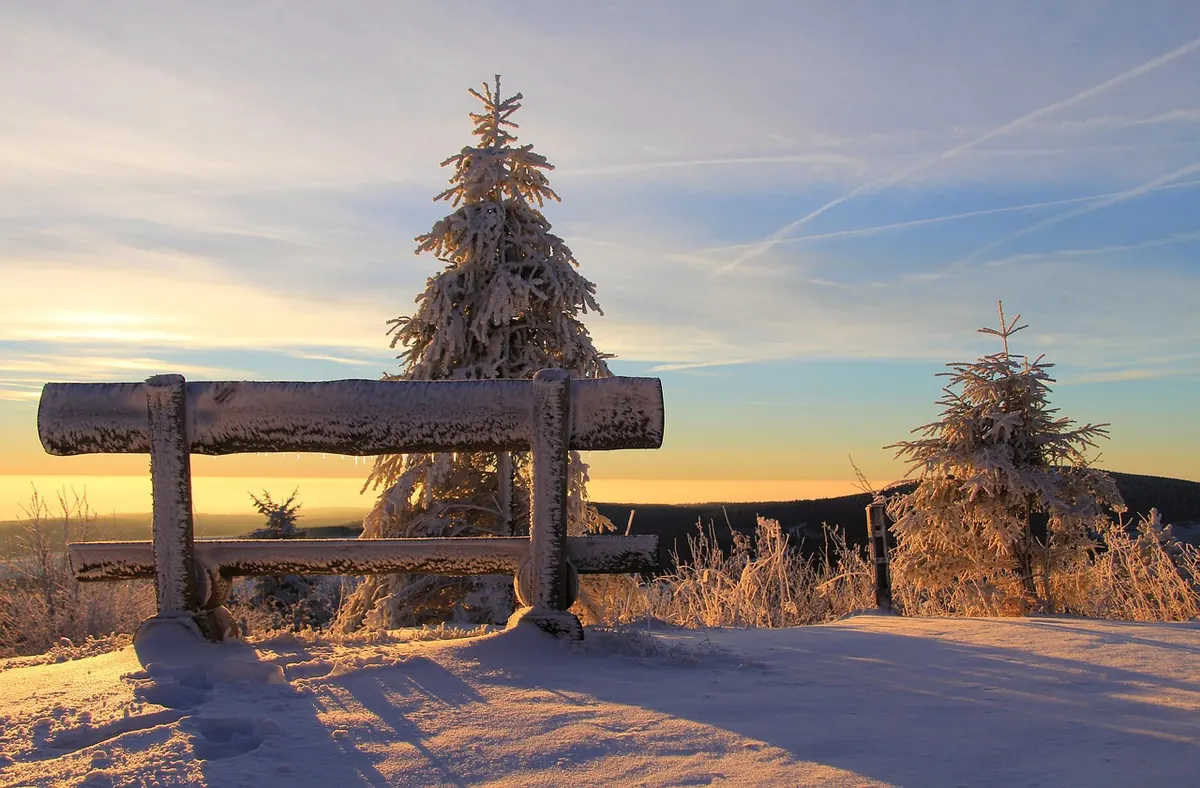
Photo: congerdesign / Pixabay